

iOS Dev Tools: SwiftAgents, XML Comparator, Colorful
The best tools at your fingertips.

Hey! 👋
I appreciate you reading and supporting the newsletter.
Another Thursday, another issue with the latest tools to help you with daily tasks.
Let’s dive in!
Let’s connect on X (ex-Twitter) & LinkedIn! 🤝
If you have a tool that solves a developer problem, I would love to help you reach iOS developers - hi@iosdev.tools
Create App Store Screenshots in Minutes with AppScreens
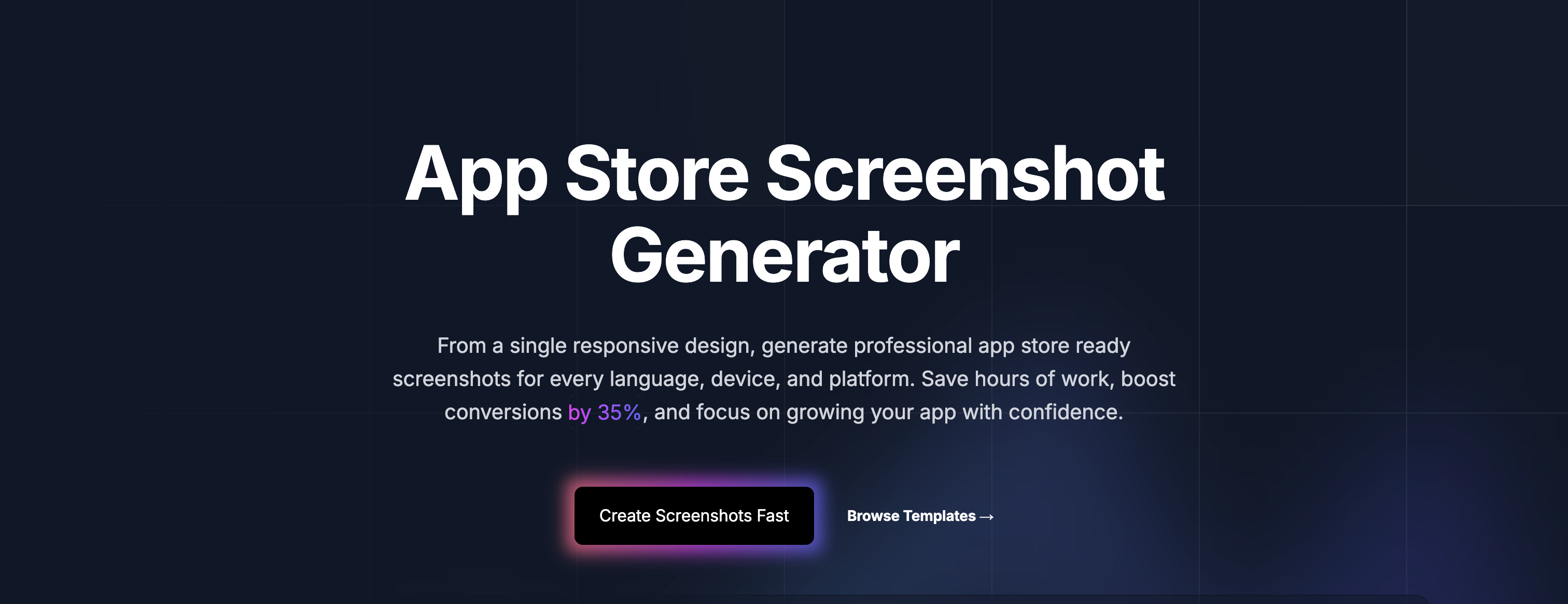
Have you ever lost time resizing screenshots for every iPhone, iPad, or Apple Watch?
AppScreens solves that pain. ✅
You design once, then generate App Store compliant screenshots for every Apple device automatically. No Figma gymnastics, no manual exports, and direct uploads to App Store Connect.
Built by developers, trusted by over 100k app makers.

SwiftAgents
SwiftAgents provides everything you need to build AI agents: autonomous reasoning, tool use, memory systems, and multi-agent orchestration. Built natively for Swift 6.2 with full concurrency safety.
Agents for ReAct, PlanAndExecute, and ToolCalling patterns.
Type-safe tool creation with
@Toolmacro.Conversation, summary, and vector memory systems.
Supervisor routing, chains, and parallel execution.
Real-time event streaming for responsive UIs.
Input/output validation for safe AI interactions.
Model Context Protocol integration.
For iOS, macOS, watchOS, tvOS, visionOS, and Linux.
XML Comparator
Real-time online tool designed to compare two XML files or text snippets and highlight differences instantly. It features a 3-pane layout with side-by-side editing, a bottom diff list, and smart line-level syncing to help developers and data analysts identify and merge changes effortlessly.
Why you will like it:
All comparisons run locally in your browser. Your XML never leaves your device - no uploads, no accounts, no installs.
Comparison updates automatically while you type, paste, upload, or toggle options. Debounced rendering keeps the experience smooth even on larger files.
Keep Original XML, Modified XML, and the bottom diff panel open at the same time. Line numbers and synced scrolling help you stay in context.
Clear visual cues: green additions, red deletions, and bright-red inline changes. Use Ignore Whitespace and Fold Matched to reduce noise.
Use the arrows between editors to copy a whole line left→right or right→left. Great for quickly applying changes while reviewing the diff.
Upload
.xml/.txt, paste/copy with one click, clear fast, and jump between diffs using the bottom navigation. Switch light/dark theme for comfortable reading.
Colorful
A Chrome extension that enhances Swift DocC-generated documentation sites with color-coded tags and improved visual styling for better navigation and readability.
Why you will like it:
Automatically applies distinct background colors to content type tags (Article, Sample Code, Video, etc.) in the navigation sidebar.
Seamlessly adjusts colors for both light and dark modes to maintain optimal visibility.
Integrates SF Pro Rounded font when available for a cohesive design experience.
Works with Apple Developer documentation and any other documentation site built with Swift DocC.

WhisperShortcut
A menu bar app that turns speech into text or AI prompts, combining Gemini intelligence with offline Whisper dictation and custom shortcuts.

SnippetsLab
A full-featured snippet manager and note-taking app designed for developers.

iOS Conf SG January 21-23rd, Singapore 🇸🇬
ARCtic Conference February 10-12th, Finland (Oulu) 🇫🇮
Appdevcon March 10-13th, Netherlands (Amsterdam) 🇳🇱
Deep Dish Swift April 12-14th, USA (Chicago) 🇺🇸
try! Swift April 12-14th, Japan (Tokyo) 🇯🇵
iOSKonf May 4-6th, North Macedonia (Skopje) 🇲🇰
MacAdmins July 7-10th, United States (Pennsylvania) 🇺🇸
iOSDevUK September 7-10th, UK (Aberystwyth) 🇬🇧
Do you want your conference to be featured here? Please send me an email at hi@iosdev.tools
If you are interested in sponsoring the newsletter or having your tool featured, send us an email at hi@iosdev.tools